Downloadnotiario
One disk image. Drag the app to Applications, then log in to Plaud, set up the storage, import an audio file or start recording: any one of them is enough.
Download notiario.dmgVersion 0.4.0, for macOS 27 or later. Free, under the MIT licence.
Install it in three steps
Open the disk image
Double-click notiario.dmg in your Downloads folder.
Drag the app to Applications
Drag Notiario.app to the Applications folder, then eject the disk image.
Open it and get started
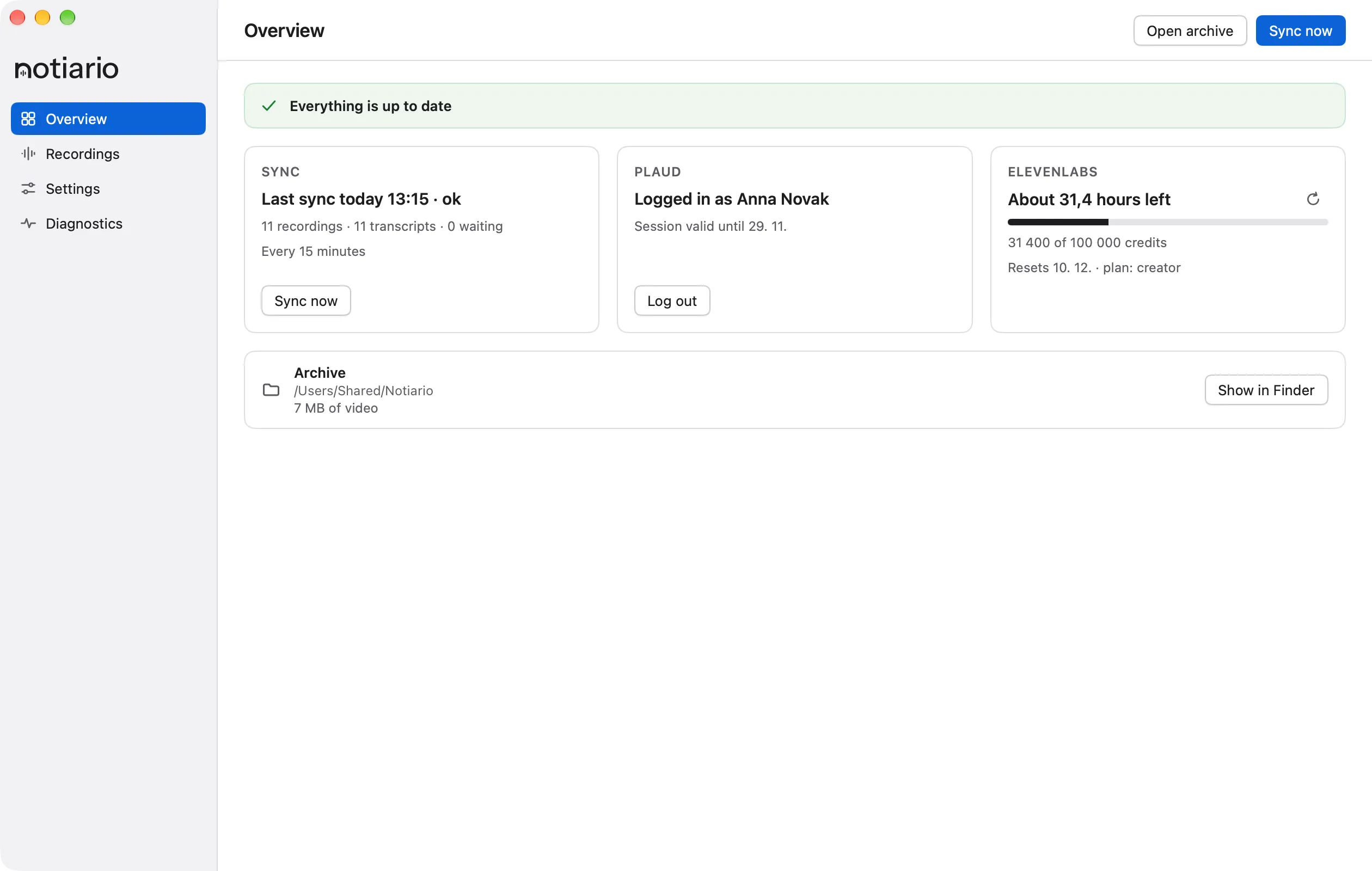
The app appears in the menu bar and its window opens by itself, on the ways in: log in to Plaud, set up the storage, import audio or start recording.
What you need
A MacWith macOS 27 or later
RecordingsFrom any of: a Plaud account, the Mac itself, audio files you import, or a copy of the archive in S3-compatible storage
To transcribeAn ElevenLabs, OpenAI or OpenRouter API key, or 1.7 GB of disk space for the Whisper model that runs on the Mac
To summariseOptional: an Anthropic, OpenAI or OpenRouter API key, or a model server on the Mac such as LM Studio
Updating
notiario checks once a day and tells you when a new version is there. Download the latest disk image, quit notiario from its menu, and drag the new app to Applications, replacing the old one.
The archive, the settings and the keys are untouched.
Update and uninstall